
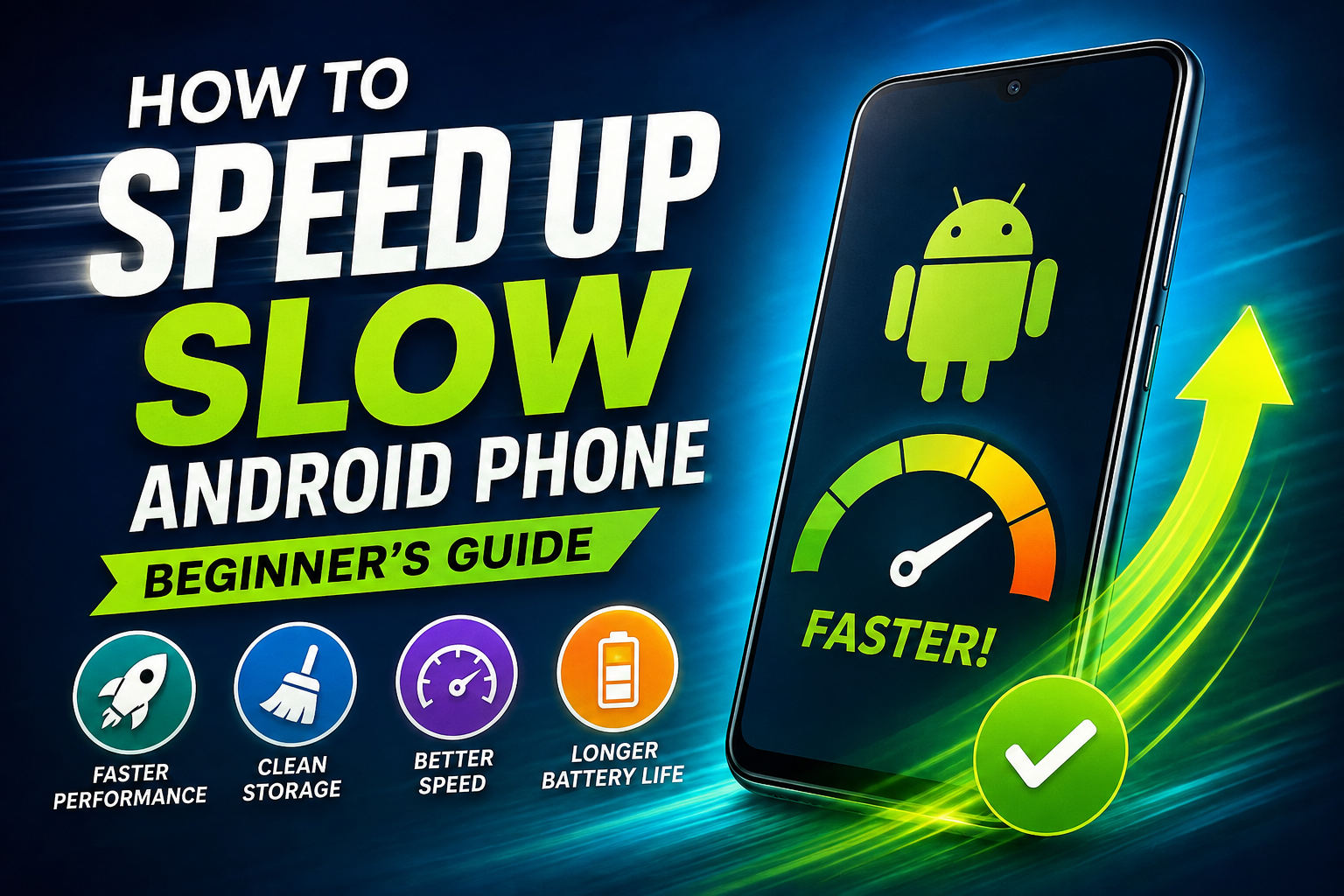
Is your phone slow? Does it take forever to open apps, or freeze when you're just scrolling? You don't need to buy a new phone. Most slow phones can be fixed with a few easy steps. No tech knowledge needed. Let's go through them one by one.
1. Restart Your Phone
This sounds too simple, but it really works. Over time, apps keep running in the background and slow your phone down. Restarting clears all that out.
Hold the power button
Tap Restart
Do this once a week
2. Check Your Storage
When your phone's storage is almost full, everything becomes slow — even the camera. Try to always keep at least 10-15% storage free.
To check:
Go to Settings → Storage
See how much space is used and how much is free
To free up space:
Delete old photos and videos you don't need (back them up to Google Photos first)
Delete apps you haven't opened in months
Clear your Downloads folder — it usually has old forgotten files
3. Clear the Cache of Apps You Use a Lot
Every app saves small temporary files called "cache" so it can load faster. But over time, this builds up and can actually slow the phone down.
Steps:
Go to Settings → Apps
Tap an app you use often, like Instagram or WhatsApp
Tap Storage
Tap Clear Cache
(Don't tap "Clear Data" — that will delete your login and settings.)
Do this once a month for your most-used apps.
4. Turn Off Animations
Android shows small animations when you open apps or switch screens. Turning these off makes the phone feel much faster, even though nothing else changed.
Steps:
Go to Settings → About Phone
Tap Build Number 7 times — this unlocks "Developer Options"
Go to Settings → System → Developer Options
Find these three: Window animation scale, Transition animation scale, Animator duration scale
Set all three to 0.5x, or turn them off completely
5. Stop Apps Running in the Background
Some apps keep running even when you're not using them. This uses up memory and battery, and slows the phone down over time.
Steps:
Go to Settings → Apps
Find apps you rarely use
Tap on them, then choose Force Stop or Uninstall if you never use them
For apps you want to keep, turn off "Allow background activity" if that option shows up
6. Update Your Apps and Your Phone's Software
Old versions of apps or old Android software often have small bugs that get fixed in updates. Keeping things updated helps the phone run better.
Open the Play Store, then Manage apps → Update all
Go to Settings → System → System Update to check for phone updates
7. Remove Extra Widgets and Live Wallpapers
Widgets, like weather or calendar boxes on your home screen, keep updating in the background and use memory. Live wallpapers do the same thing.
Remove widgets you don't really check
Use a normal still wallpaper instead of a live one
8. Last Option: Factory Reset
If the phone is still slow after all this, a factory reset can help. It wipes everything and makes the phone feel new again — but back up your data first.
Go to Settings → System → Reset Options → Erase All Data (Factory Reset)
Make sure your photos, contacts, and files are backed up before you do this
Quick Summary
Fix | Time | How Well It Works |
|---|---|---|
Restart phone | 1 min | Medium |
Clear storage | 5-10 min | High |
Clear app cache | 5 min | Medium |
Turn off animations | 2 min | High (feels faster) |
Stop background apps | 5 min | High |
Update apps/phone | 10 min | Medium |
Factory reset | 30+ min | Very high (last option) |
Most people see a big difference just from steps 2, 4, and 5. Try those first before doing anything big like a factory reset.