
There are thousands of "AI productivity tools" out there, and most of them promise to save your time but end up eating it instead — another app to learn, another tab open, another login to remember. This list skips the hype and focuses on tools that genuinely reduce your daily workload, whether you're a student, a working professional, or running your own small business.
1. For Writing — ChatGPT or Gemini
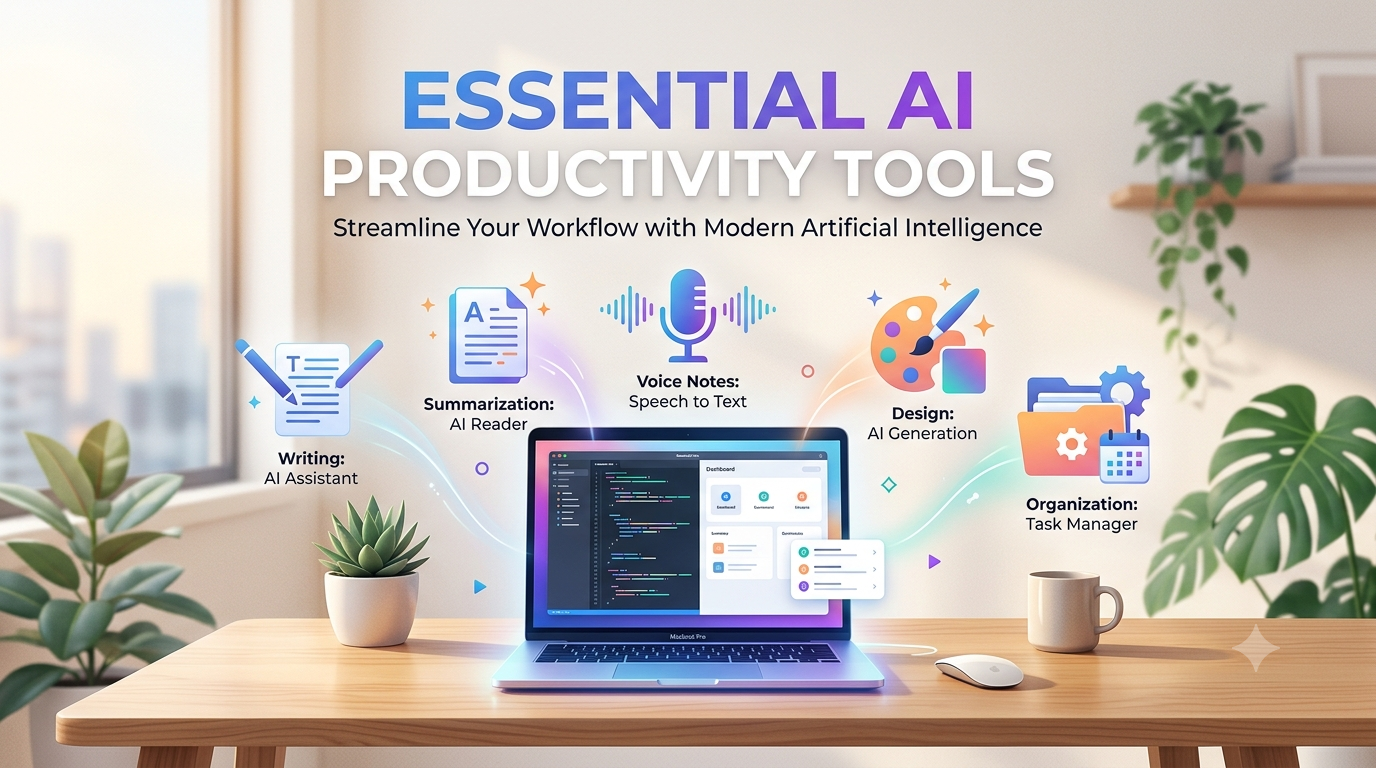
If you spend time writing emails, reports, captions, or explanations, a general AI assistant like ChatGPT or Gemini can cut that time down significantly. Draft a rough version of what you want to say, and let the AI clean up the wording, tone, and structure. This is one of the highest time-saving uses of AI simply because writing is something almost everyone does daily.
2. For Notes and Long Documents — Google NotebookLM
If you deal with long PDFs, course material, research papers, or meeting notes, NotebookLM lets you upload the files and get clear summaries pulled out automatically. You can also ask it direct questions about the content instead of scrolling through pages looking for one detail. Genuinely useful for students and anyone who has to read a lot for work.
3. For Writing Without Typing — Voice-to-Text Tools
If typing is your bottleneck, voice-to-text AI tools have gotten dramatically better. You just speak naturally, and the tool turns it into clean, properly formatted text — for emails, messages, or rough drafts. This is one of those tools where the time savings come from changing a habit rather than adding a new step to your workflow: if you spend hours a week typing, even a small speed improvement adds up fast.
4. For Grammar and Tone — Grammarly
Beyond just catching typos, modern AI-powered grammar tools also suggest tone adjustments — useful when you're not sure if an email sounds too casual or too blunt. It works inside most browsers and apps, so it fits into whatever you're already using rather than being a separate destination.
5. For Design Work — Canva AI
You don't need design skills to make things look professional anymore. Canva's AI features can generate layouts, resize designs automatically, remove backgrounds, and suggest visuals — useful for social media posts, presentations, or simple graphics without hiring a designer or learning complex software.
6. For Presentations — Gamma
Instead of manually building slide-by-slide presentations, tools like Gamma can turn a rough outline or a few bullet points into a formatted, visually organized presentation in minutes. Good for quick internal presentations or pitches where design polish isn't the main priority — speed is.
7. For Meetings — Otter or Fireflies
If you're constantly in calls or meetings, AI meeting assistants can join, transcribe the conversation, and pull out the key points automatically — so you're not scrambling to take notes while trying to actually listen. Some tools even highlight action items separately, so you don't have to dig through the transcript afterward.
8. For Organizing Everything — Notion AI
Notion combines notes, task lists, and planning into one workspace, and its AI features can expand a rough outline into a full document or summarize long notes into something digestible. Especially useful if you're juggling multiple projects and need one place to keep it all organized instead of scattered across apps.
How to Actually Use These Without Wasting Time
The mistake most people make is trying to use ten AI tools at once, which just creates more tabs and more confusion — the opposite of saving time. A smarter approach:
Pick one tool for writing, one for research/notes, and one for organizing tasks — that's usually enough to start
Give the tool clear instructions instead of vague prompts — the output quality depends heavily on how specific you are
Always review the final output before using it — AI tools are fast, not perfect, and skipping this step is where mistakes slip through
Quick Summary
Task | Best Tool |
|---|---|
Writing emails/content | ChatGPT or Gemini |
Summarizing long documents | NotebookLM |
Typing faster (voice) | Voice-to-text AI tools |
Grammar and tone | Grammarly |
Quick design work | Canva AI |
Presentations | Gamma |
Meeting notes | Otter or Fireflies |
Organizing everything | Notion AI |
The Bottom Line
You don't need to chase every new AI tool that launches. Build a small, practical set — one or two tools that solve your actual daily bottlenecks — and stick with them. That's where the real time savings come from, not from collecting apps you open once and forget.